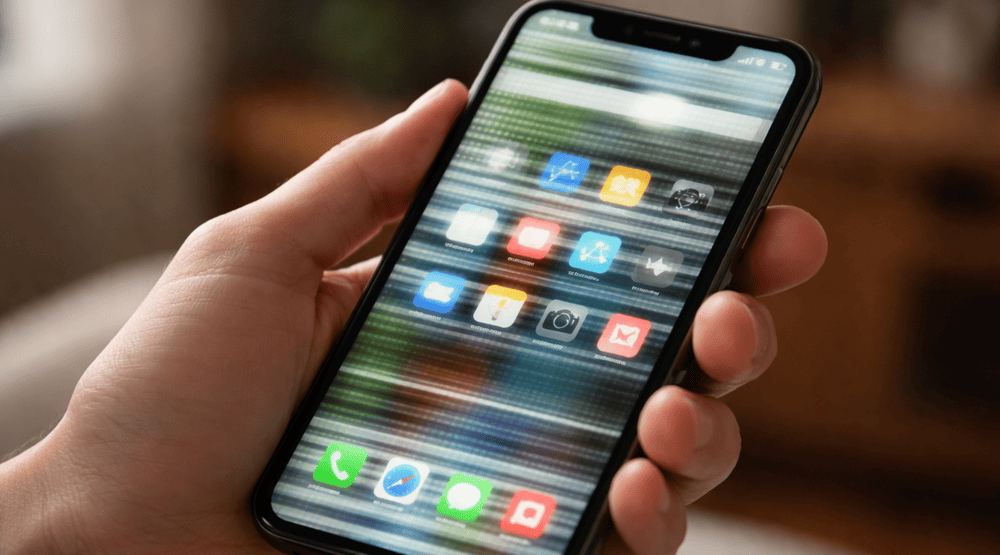
The flickering screen of a phone in the corner of your eye is an easy thing to ignore at first. Maybe the screen flickers or changes brightness for no apparent reason, or a little line shows up and disappears. The screen starts pulsing, blinking, dimming or going black at the most inopportune times. It’s annoying, and frankly it can make even a fine phone feel dodgy.
This is something we see far too often at Snapfix Mobile Repairs. Others actually see it after they dropped the phone for quite some time. Others say they noticed it after having charged overnight or gotten a software update, or after the device was slightly wet. So, the reasons aren’t exactly the same in each scenario. That matters, because the correct fix hinges on what’s going wrong inside the phone.
The good news is the following: A flickering screen isn’t necessarily a death sentence for your phone. Sometimes the repair is simple. Sometimes the whole screen has to be replaced. Either way, it’s good to know what the likely provocations will be before things get out of hand.
What does a flickering phone screen really mean?
.The screen might go white, flicker on and off, autonomously brighten or dim or run a band of lines across some portion of the display. The issue occurs only at low brightness in some specific cases. For some, it occurs while the phone is plugged into a charger as well as while running games or after unlocking the phone.
Many users think it’s “just a glitch”. Sometimes it is. But more often than not, flickering is a warning of trouble. It can indicate screen damage, battery issues, loose internal connections or software conflicts. So while the phone still seems to work for the moment, the problem shouldn’t be ignored. Get details on Mobile Repair in Middleton Grange.
Most common causes of phone screen flickering
There are several reasons a phone display flickers, and some are much more common than others.
1. Damage after a drop
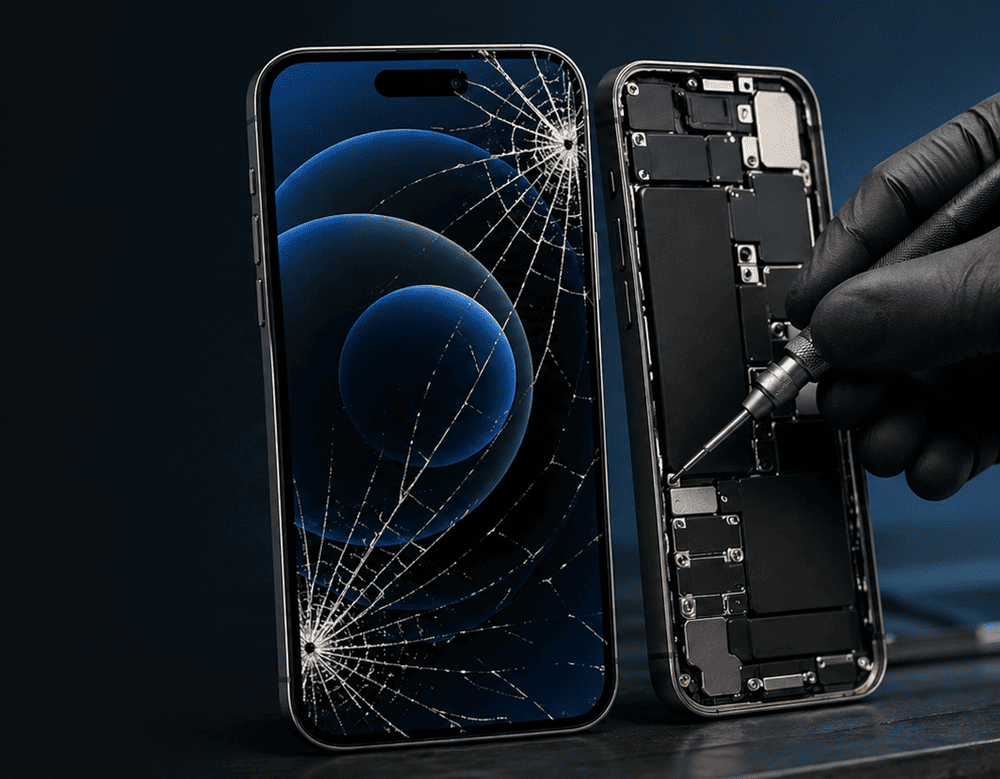
This is the likely most common reason. You drop the phone, you pick it up, and the glass still appears largely intact. Even so, the screen below can absorb the impact. That inner layer is delicate. Even when the outer glass does manage to remain intact, the OLED or LCD might already be toast.
This can cause issues like screen flickering, coloured lines on the screen, black patches and ghost touch. Sometimes the trouble begins at the onset. Other times it starts the day or two after, which is slightly confusing, but people are aware of it.
2. Loose screen connector
Inside the phone, the display ribbon is attached to the motherboard via flex cables and very small connectors. Shifting that connection out of place can happen if the phone has been dropped, bent or opened in the past. After that, the screen starts to flicker arbitrarily or blanks out for a second and returns only if pressure is applied.
This is a bit of “small problem from outside but needs specialist checking” A phone restart will not snug an internal connector.
3. Software bugs or app conflicts
Flickering problems aren’t always hardware-related. Sometimes it can be a buggy app, corrupted update, refresh-rate setting or even display feature that causes the display to act strangely. For instance, some other users observe flickering post a major system update or when installing an app which relates to brightness, colours or screen overlays.
Software-related flickering is more likely when:
- the phone has not been dropped
- the issue started after an update
- the flicker appears only in certain apps
- the screen works normally in safe mode
That said, it still needs proper diagnosis. Guessing can waste time.
4. Water or moisture exposure
Another common reason behind the phone screen flickering is water damage. And it doesn’t even have to be a full soak. Even light moisture from rain, steam or a spill can penetrate internal parts. Once any moisture finds its way toward the screen connector or mainboard, their respective display does not function properly either by blinking, dimming, or behaving abnormally.
Often taps also become weird as well. At other times, the screen acquires green tints, white flashes or dead spots. When water is involved, rapid action is important as corrosion can propagate.
5. Battery problems
A weak, damaged, or swelling battery can also affect screen performance. The display needs stable power to work properly. If that power becomes irregular, the screen may flicker, dim suddenly, or flash when charging.
This is especially worth checking in older phones. If the battery is draining very quickly, the phone becomes abnormally hot or you see signs that the back panel is beginning to lift from the device itself, then then your battery may be part of the problem.
6. Overheating
Smartphones would get hot from gaming, video calls, fast charging or heavy app usage. A little warmth is normal. Excessive heat, however, can strain internal components. In certain cases the screen starts to flicker, and the phone heats up.
If the problem is improved after the device cools off, heat may be playing a role. This is already old news, but should slip through the cracks. Repeated overheating can shorten the battery and display life. Looking for a Phone Screen Replacement in Middleton Grange?
Signs the problem is getting worse
A flickering screen rarely stays the same forever. Usually, it gets more noticeable over time. The warning signs often build up slowly.
Watch for things like:
- brightness changing by itself
- black flashes or white flashes
- green, pink, or purple lines
- screen going dark for a second
- touch becoming slow or unresponsive
- flickering during charging
- half the display looking dimmer than the rest
- screen issues after a recent drop
Once these signs appear, it is smart to get the phone checked sooner rather than later. Waiting often leads to a full display failure, and then things get more expensive. Get details on Phone Back Glass Replacement in Middleton Grange.
Can you fix a flickering phone screen yourself?
There are a few safe things you can try at home before booking a repair. They are simple, and they can rule out minor software causes.
Basic checks you can do first
- restart the phone
- update the software
- remove recently installed apps
- switch off adaptive brightness
- test a different brightness level
- check refresh-rate settings
- let the phone cool down
- start the phone in safe mode if available
Attempting to open the device yourself is dangerous. Modern phones are tightly packed, and a wrong move can cause the screen, battery or water-resistant seals to be damaged. A small problem can quickly spiral into a larger one.
Repair options for a flickering phone screen
At Snapfix Mobile Repairs, we do not jump straight to replacing parts. First, we try to work out what is actually causing the problem. That saves time, and sometimes it saves money too.
Software troubleshooting
Cleaning of any kind is needed if the flickering is caused by certain settings, updates and app conflicts as it means nothing needs to be fixed in your hardware.
Connector check and reseating
If the issue comes from a loose screen connection, the phone may need to be opened and the connector secured properly. In some cases, that solves the flicker without replacing the display.
Screen replacement
If the screen itself is damaged, a phone screen replacement is generally the ideal solution. This is normal following drops, impact damage, pressure damage or internal display failure. If there are also lines, areas of blackness or touch problems, replacement is usually the most dependable solution.
Battery replacement
If unstable power is causing the problem, replacing the battery may restore normal performance. This is more common in aging phones.
Board-level repair
In more complex cases, the issue may sit on the motherboard. Water damage, charging faults, or damaged display circuits can all lead to flickering. These jobs need experience and careful testing. Looking for a Phone Charging Port Repair in Middleton Grange?
Why you should not wait too long
A lot of people keep using the phone and hope the issue settles down. That usually does not happen. In fact, continued use can make things worse. A weak display may fail completely. A battery problem may become unsafe. Moisture damage may spread deeper into the board.
Also, there is one practical issue people forget: data access. If the screen goes fully black, getting into the phone later can be hard. You may not be able to unlock it, approve backups, or transfer important files. So dealing with the issue early is always the better move.
Why customers choose Snapfix Mobile Repairs
When your phone screen starts acting up, you want straight advice, not guesswork. At Snapfix Mobile Repairs, we focus on finding the actual cause of the problem first. That way, you are not paying for the wrong repair.
We help with common display faults across many phone models, and we aim to offer repair options that are practical, honest, and built around what the device really needs. Some phones need a screen. Some need a battery. Some just need an internal connection corrected. That is why diagnosis matters.
Related Articles:
» Phone Speaker & Microphone Repair in Middleton Grange
» iPhone Repair Centre in Middleton Grange
» OPPO Repair Centre in Middleton Grange
» Samsung Repair Centre in Middleton Grange
» Smart Phone Camera Repair in Middleton Grange
Resolving Phone Screen Flickering
A phone screen flickering lines can result in larger problems, which you should never go on ignoring. Whether it’s due to a drop, water exposure, battery issues, overheating or a software bug, the display is telling you that something isn’t right. So the sooner you get to it, the better your odds of a less complicated and messy repair.
So if your phone screen is flickering, dimming with lines or cuts a lot then do spend time on getting it professionally checked. Snapfix Mobile Repairs can also look at the device and provide a breakdown of why & how it went bad, along with recommendations on the most effective repair process.
12 FAQs – Phone Screen Flickering on Phones
Display damage, a disconnected connector, battery failure, exposure to water and overheating or other software issues might make a phone screen flicker.
Display damage, a disconnected connector or battery failure can cause a phone screen to flicker, as could exposure to water, overheating or some other software issue.
Not always. Some phones only need software fixes or connector work. Still, if the panel is damaged, a new display is often required.
Yes. Some OLED phones experience flickering more visually when brightness is low, especially if the screen has already started developing a fault.
Yes, sometimes a buggy update or app conflict can affect display behaviour.
It can be. Displays issue can be a result of weak / unstable battery — particularly when charging or on load.
And it can be useful if the issue is software-based, but generally will not resolve physical damage to a screen.
Yes. Moisture can also affect internal circuits, connectors and the display itself.
You can for a short time, but sooner or later you want to have it investigated before the situation worsens.
They look at the device, evaluate the software, check the internal connections and repair or replace the failed component.
The flickering itself isn’t generally dangerous, but if it’s linked to a swelling battery or other internal damage, it should be addressed as soon as possible.
That depends on the cause. Software fixes may be quick, while screen or battery replacement can take longer based on the model and damage.