Samsung phones typically have vibrant displays, good cameras, speedy performance and various useful features. But just like any device we use every day, they have problems over time. A broken screen, battery issues, and other small malfunctions cause even charging problems or water damage which may lead to total system failure like disabled communication between calls, work photos, banking apps etc.
Samsung repair support offered by qualified professionals at Snapfix Mobile Repairs enables the customers to get back their phones in a safe, timely and proper manner. A technician won’t only guess the fault or try risky DIY fixes on the device, but they will also diagnose the problem, replace damaged components and help prolong your Samsung’s lifespan.
Why Samsung Phone Problems Should Not Be Ignored
Several people still continue using a broken phone because the problem seems small to them at first. But a tiny crack can easily go all across the display. Similarly, an aged battery can lead to unexpected shutdown. Sometimes a charging port can become completely inoperable after dust, moisture or internal damage has worsened.
Therefore, early inspection matters. It is cheaper than buying a new phone, faster and can prevent more damage. A good repair also means safeguarding your pictures, contacts, apps and personal information. Get details on Mobile Repair in Middleton Grange.
Most Common Samsung Phone Problems
Samsung devices frequently suffered from cracked screens, dead batteries, charging problems, software failures causing slowdowns and crashes, liquid exposure (water or otherwise) and camera issues. While each one may appear quite simple on the surface, their root can be very different. Out of the many such reasons, a few might be: slow charging due to having a damaged cable, dirty port, weak battery or faulty motherboard.
Quick Comparison Table: Samsung Phone Problems and Repair Solutions
|
Samsung Phone Problem |
Common Signs |
Possible Cause |
Professional Repair Help |
|
Cracked Samsung screen |
Lines, black spots, touch issues |
Drop or pressure damage |
Screen replacement or display testing |
|
Samsung battery drain |
Fast power loss, overheating |
Ageing battery or app load |
Battery health check and replacement |
|
Charging port issue |
Cable loose, no charging |
Dust, moisture, bent pins |
Port cleaning or charging port repair |
|
Water damage |
No sound, flickering, shutdowns |
Liquid inside device |
Internal cleaning and damage assessment |
|
Camera fault |
Blurry photos, shaking, black screen |
Lens, sensor, or software issue |
Camera repair or part replacement |
|
Speaker/mic problem |
Low sound, call issues |
Dust, water, damaged mesh |
Speaker or microphone repair |
|
Software glitch |
Freezing, restart loops |
Update error or app conflict |
Diagnosis, reset, or system repair |
Cracked Samsung Screen and Touch Problems
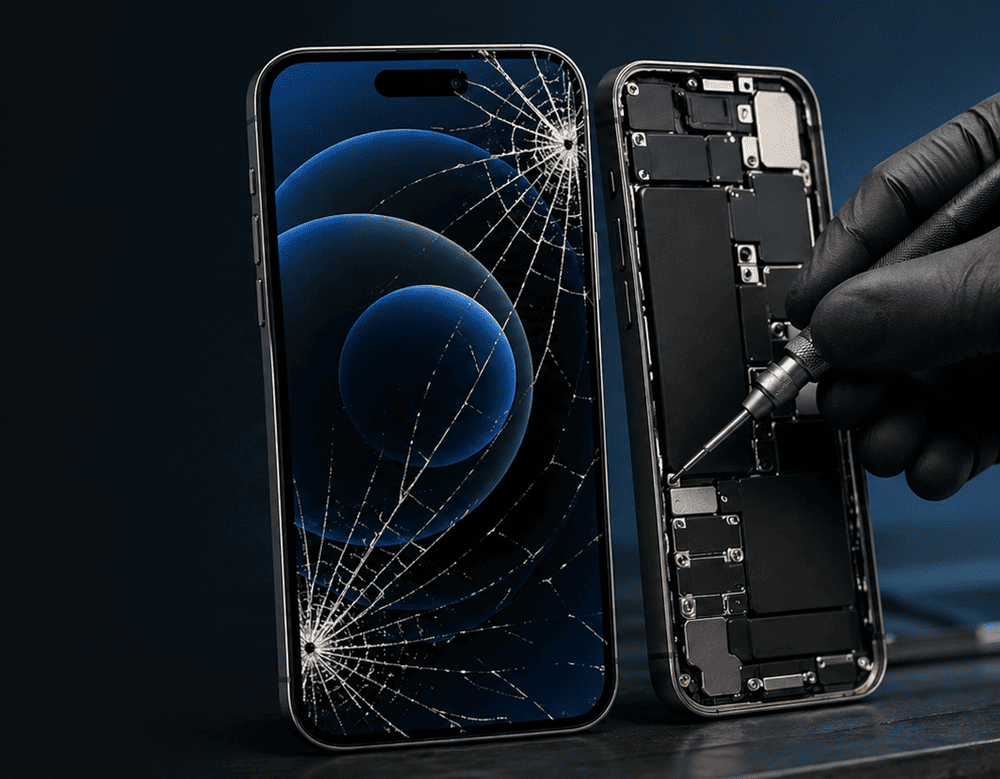
One of the most demanded mobile repair services is Samsung screen replacement. But there is road damage besides the appearance of a cracked screen on your phone. You may even ruin touch response, display brightness and internal protection as well.
Even after a phone falls it may continue to work. Nonetheless, the rubbing layers may have damage that can be kept a secret под. This can lead to ghost touch, green lines, black patches, flickering and even complete failure of display.
The path for a professional repair technician will assess if the problem is in the glass, LCD / OLED display, touch layer or internal connector. And then, the feature of smooth touch and clear viewing can be restored with a right screen replacement. Looking for a Samsung Repair Centre in Middleton Grange?
Samsung Battery Draining Too Fast
Even a super high-end Samsung phone can be annoying when battery issues arise. If your phone goes from 80% to 30% in a matter of minutes, shuts itself down unexpectedly or heats up in use when it shouldn’t be, the battery could have degraded.
Batteries tend to lose capacity over long charging cycles. Although background processes, bad charging habits or heat naturally wear out the battery. Thus, it is necessary to diagnose properly before changing components.
Samsung battery replacement may fix most of the day-to-day problems too like surprising shut-downs and an irrelevant phone. In addition, technicians should be able to identify whether the issue is caused by the battery, the charging system or even software.
Samsung Charging Port Not Working
Profoundly charging flaws can be created throughout the time. The angles of the cables may need to be a particular one at first. The phone charges slowly then. Ultimately, it might wonismo simply charge at all.
These can be issues like lint build-up within the port, moisture damage, a bent pin or cable damage, or maybe something with the internal board itself. This may sound simple for home cleaning, but the connector is injured or ruined easily due to sharp objects. Therefore, professional help is safer.
Samsung charging port is a simple repair, where the technicians check the condition of the port and clean it correctly, as well as perform a conductivity test to find out if there is voltage in the charging current; Otherwise, they may need to replace this part.
Water Damage in Samsung Phones
While many Samsung models have some level of water resistance built in, no phone is completely waterproof. Drops, heat, repairs or even just worn seals can also degrade water resistance over the years.
The phone could run for the time being after liquid exposure, however both may quit working ultimately. This happens because moisture can gradually corrode some internal components. That is why users should not charge the phone right after coming into contact with the water.
Samsung Water damage repair that is performed by a professional involves a great deal of inspecting, cleaning internal components, heating up moisture areas and so on. Not every liquid-damaged phone can be saved but acting quickly increases the likelihood of success.
Samsung Camera Problems
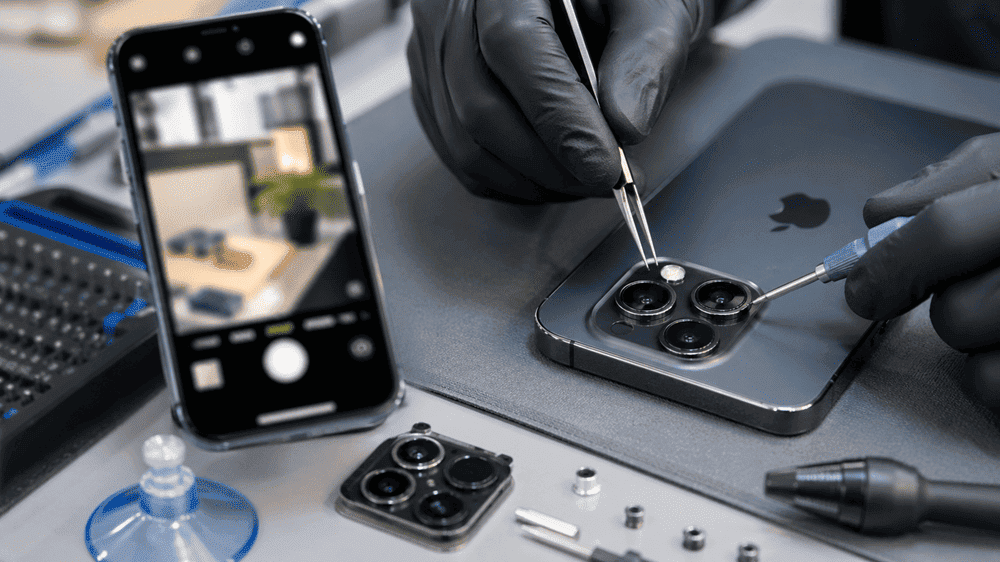
As Samsung phones are used for photography, a camera fault seems all the more irritating. Symptoms : Blurry Images, camera shaking (focusing), black screen of camera app or no internal lens glass cracked.
At times, it feels like the problem lies within software. But then, physical damage also could cause degradation to dust on the sensor or some cracks in the lenses and faults. According to experts in this field, only a professional repair can find out whether your phone requires camera cleaning, lens replacement, module repair or just software correction. Looking for a Smart Phone Water Damage Repair in Middleton Grange?
Speaker, Microphone, and Call Quality Issues
If people can’t hear you, or if your Samsung speaker sounds low, muffled, or distorted the problem can be dusting, liquid damage, mesh defect or an internal component failure.
These sections influence calls, videos, voice notes and alarms — so rapid repair gives easy use again. Through this process, technicians can assess the Samsung microphone, earpiece speaker, loudspeaker and audio circuit to determine the specific issue.
Software Freezing, Restarting, and Slow Performance
Not every Samsung fix requires a hardware component replacement. Such freezing and restarting can often have their roots in the apps, storage space, malware, failed updates or corrupted system files.
Real professional diagnosis can separate software issues from hardware damage. Because of this, the technicians can suggest data backup, application clean-up, software repair, system reset or also deeper hardware testing. Get details on Smart Phone Camera Repair in Middleton Grange.
Why Choose Professional Samsung Repair Instead of DIY Fixes?
DIY videos can look simple, but Samsung phones contain delicate parts, strong adhesives, thin cables, and sensitive internal boards. One wrong step may damage the display, battery, fingerprint sensor, or motherboard.
Professional repair offers better safety, correct tools, proper parts, and accurate testing. Moreover, you avoid wasting money on the wrong replacement part.
Professional Repair vs DIY Repair
|
Repair Option |
Benefits |
Risks |
|
DIY repair |
May seem cheaper at first |
Data loss, wrong parts, more damage, no testing |
|
Professional Samsung repair |
Accurate diagnosis, safer process, better finish |
Requires service cost |
|
Phone replacement |
New device experience |
Higher cost, data transfer effort |
How Snapfix Mobile Repairs Can Help
Snapfix Mobile Repairs provides you with a solution that fix for daily phone faults that Samsung users face. Samsung screen replacement, battery repair, charging port repair, water damage service or camera repair – all of them need a professional inspection to get you in the right direction.
Repair could actually prolong a life instead of replacing your phone too soon This helps minimize electronic waste and keeps your valuable data on the device you are already familiar with.
Related Articles:
» Xiaomi Service Centre in Middleton Grange
» Huawei Service Centre in Middleton Grange
» OPPO Service Centre in Middleton Grange
» Google Pixel Service Centre in Middleton Grange
» ASUS Service Centre in Middleton Grange
The Smart Solution for Samsung Phone Issues
Samsung phones have great power but it is easy to damage them during daily use. So, do not delay until the damage becomes aggravated if you are facing cracks, charging problems, battery drain, sound issues, camera problems or water damages.
This is best checked out from a reputed repair service such as Snapfix Mobile Repairs that would take care of the problem, explain the solution and make your Samsung phone whole again. Many times, professional repair is faster, safer and less expensive than a new device.
FAQs: Common Samsung Phone Problems and How Professional Repair Can Help
The most frequent problem is a cracked Samsung screen, and the other two most common accidents are battery drainage and charging port failure.
Yes. Most of the time, depending on the phone and type of damage, a technician will be able to replace your screen or display assembly.
Battery discharge can result from a number of factors, such as battery deterioration, background apps and heat, software bugs, or deficiencies in the charging system.
Maybe, but only if the phone is otherwise functioning correctly. It can get through the day better and avoid emergency shutdowns with a new battery.
It may have a bad cable, dirty charging area, a damaged connector, does not detect battery capacity or an internal connection fault during charging.
Sometimes, yes. Fast professional inspection improves the chance, although severe liquid damage may affect repair success.
No. Rice doesn’t work to absorb moisture from a phone, either. It is much safer to have it professionally cleaned.
Camera blur from lens dirt, cracked glass, an error in software, autofocus problems and functioning of camera modules.
Yes. This can make the phone slow due to low storage, app conflicts, failed updates or corrupted files.
DIY repair is risky because those parts of the phone are still delicate. Professional repairs are typically the safest and most reliable way to do it.
Symptoms such as low volume, crackling sound, muffled audio or lack of sound during calls could indicate speaker & microphone damage.
In many cases, yes. Plus, repairs for cracked screen, battery, charging port and camera very much attract a lesser charge when compared to a new phone.