A cracked phone screen seems like an easy problem at first. But they only make things worse for themselves, often by using quick fixes, replacement parts of low quality or taking too long to repair the problem. This causes a small crack to grow into touchscreen failure, bleeding display or ghost touch or even internal damage.
At Snapfix Mobile Repairs, we get a lot of phones that could have been saved quicker and cheaper had the owner made a few common mistakes. So, if you are going to attempt any phone screen repair, these are the common mistakes you need to avoid.
Why small screen cracks should never be ignored
A small crack may not feel like a pressing issue. Even so, it stretches across the display within days. On top of that, dust, moisture and pressure can make their way past the damaged glass and impact the LCD or OLED panel beneath. Sometimes the phone continues functioning for a time, but the touch becomes almost useless.
So it’s always wiser to act early. A prompt mobile screen repair typically runs cheaper than a full display-and-frame swap. Get details on Mobile Repair in Middleton Grange.
Common mistakes people make during cracked phone screen repair
1. Waiting too long to repair the damage
This is one of the major blunders. Some users use the cracked device for weeks or months. In the meantime, the crack widens, glass flecks dislodge and pressure from daily use makes the display worse.
Why it matters:
- Touch sensitivity may drop
- Water and dust can enter the phone
- The display can turn black suddenly
- Repair cost may increase later
So, if your phone screen is cracked, do not wait until the display fully fails.
2. Trying DIY repair without proper tools
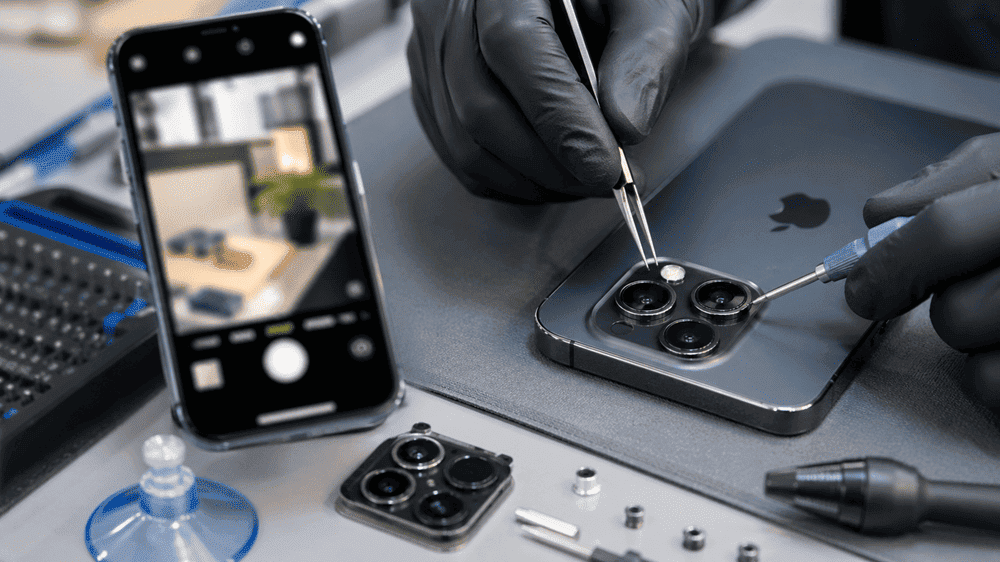
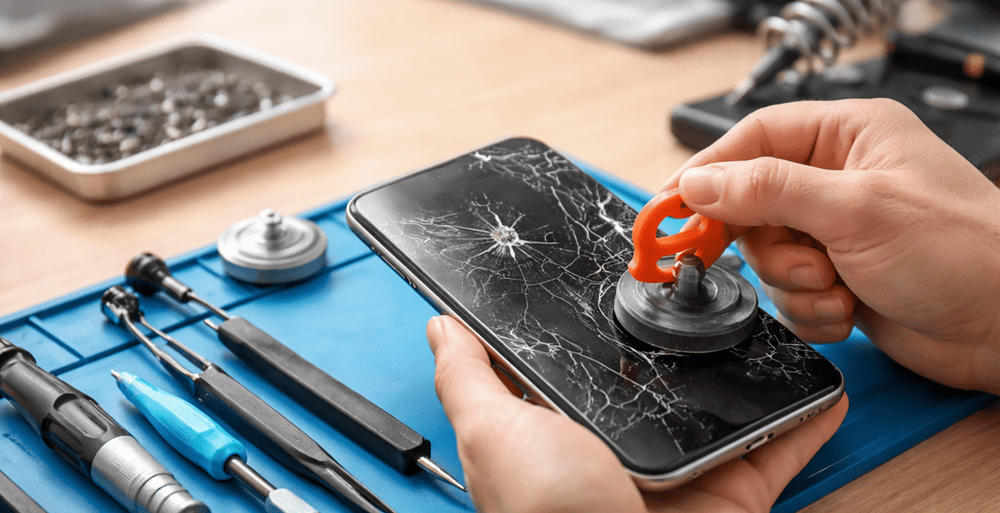
It looks simple: Internet videos on replacing the screen of an old phone demonstrate that much. As a matter of fact, modern phones are fragile and tightly constructed. This makes it easy to ruin the battery, flex cables, or (in most cases) front camera without proper heat tools, adhesive strips, suction tools, and opening picks.
A minor mistake can transform a screen job into a motherboard problem. Frankly, a lot of do-it-yourself repairs add to the cost because they cause additional damage.
3. Using cheap low-quality replacement screens
Not all replacement parts are equal. Some very cheap screens may fit physically, but they often have poor brightness, weak touch response, dull colours, or low durability. Besides that, cheaper parts may drain battery faster.
Here is a simple comparison:
|
Repair Option |
Cost Level |
Quality |
Touch Response |
Durability |
|
Cheap aftermarket screen |
Low |
Basic |
Often inconsistent |
Low |
|
Standard quality replacement |
Medium |
Good |
Smooth |
Moderate |
|
Premium/OEM-grade screen |
Higher |
Excellent |
Very accurate |
High |
Choosing the cheapest part may save money today, but often it creates more problems later.
4. Ignoring damage beyond the glass
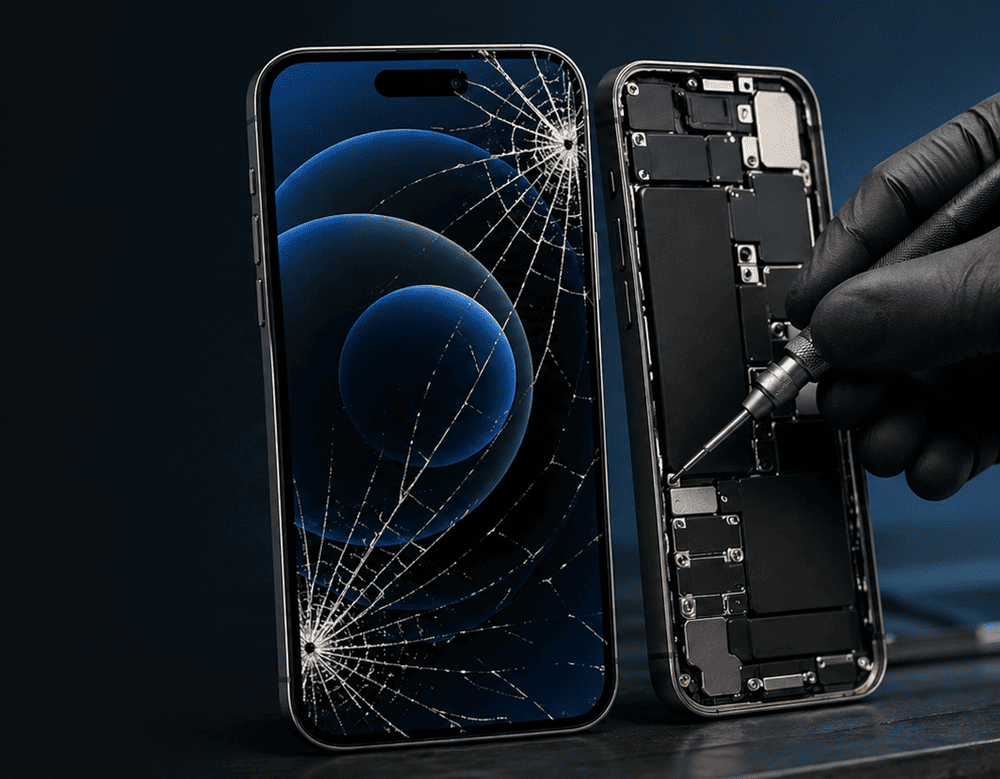
Some people assume it is “just the glass.” But after a drop, the issue may involve more than the outer screen. The LCD/OLED, touch digitiser, frame, face sensor, or internal connectors may also be affected.
Signs of deeper damage include:
- black spots on the screen
- screen flickering
- lines across the display
- unresponsive touch
- phone heating near the display area
Because of this, a proper inspection matters before repair starts.
5. Not backing up the phone before repair
Although screen repairs are usually safe, backing up your phone is still a smart move. Unexpected issues can happen, especially if the phone already has internal damage. Too many people skip this step and panic later.
Before any screen replacement service, back up:
- photos and videos
- contacts
- notes
- app data
- important work files
It takes a little time, but it gives peace of mind. Looking for a Smart Phone Screen Replacement in Middleton Grange?
6. Continuing to press on the cracked area
People often keep tapping hard on the broken section just to make it work. That makes things worse. Pressure pushes broken glass inward and may damage the display layer underneath.
Instead, use the phone as little as possible until you get it checked. A temporary screen protector can help hold the glass together, but it is not a real fix.
7. Using glue or home remedies
This one sounds strange, but it happens a lot. Some users try clear glue, tape, nail polish, or other household solutions to “seal” the crack. These methods do not repair the screen. In fact, they can interfere with professional repair later.
A phone screen needs proper parts, correct adhesive, and clean fitting. Home fixes usually make the job messier, and sometimes, harder to correct.
8. Choosing a repair shop only by price
Low price alone should not decide where you go. A very cheap repair may mean low-grade parts, no testing, rushed fitting, or no warranty. That’s not worth it for a device you use every day.
A reliable phone repair shop should offer:
- quality replacement parts
- skilled technicians
- post-repair testing
- repair warranty
- honest diagnosis
At times, spending slightly more gives far better value. Get details on Smart Phone Charging Port Repair in Middleton Grange.
Quick checklist before booking a phone screen repair
|
What to Do |
Why It Helps |
|
Back up your data |
Protects important files |
|
Stop pressing on the crack |
Prevents further display damage |
|
Avoid moisture exposure |
Reduces internal damage risk |
|
Use a trusted repair service |
Improves repair quality |
|
Ask about warranty |
Gives extra confidence |
Related Articles:
» Smart Phone Speaker & Microphone Repair in Middleton Grange
» Smart Phone Software Troubleshooting in Middleton Grange
» Smart Phone Data Recovery in Middleton Grange
» Vivo Service Centre in Middleton Grange
» iPhone Service Centre in Middleton Grange
Smart Screen Repair Starts with Avoiding These Mistakes
A broken display may sound like a common thing, well it is. However, the errors that most people make when attempting cracked phone screen repairs can create far bigger issues than just the crack itself. Putting off the repair, attempting to do it yourself, using inferior parts or failing to fix damage that may be underpinning the need for a repair can all make easily-spot-free repairs transform into an expensive headache.
If your screen is cracked, the best thing to do is get it properly inspected and repaired as soon as possible. We at Snapfix Mobile Repairs believe that when you take action and never compromise on quality, it saves time & money. Your phone does not have to endure more than it has.
FAQs on “FAQs about Cracked Phone Screen Repair”
Yes, but it is risky. The crack can spread, and touch performance may fail without warning.
Not always. However, on many older phones the whole display assembly is normally swapped out.
Yes. Daily pressure, falls, heat and moisture frequently make the damage worse.
Yes. If the internal parts and the display panel can be affected by elements like dust, moisture and pressure.
Generally not, unless you bring tools and experience to the table. DIY mistakes are very common.
Check for black spots, flickering, lines or touch problems. These signs usually indicate worse damage to the screen.
In most cases, no. They can be dim, sluggish and fade after a shorter lifespan.
Yes, always. It’s an easy but valuable step.”
No. It may stop loose glass from breaking free, but it doesn’t remedy the damage.
As soon as possible. Repairs early on prevent larger and pricier issues.
Yes, quite a lot. A cracked screen changes not just how your phone looks, but also its resale value.
Ask — about part quality, warranty, repair time and whether they fully test the phone after repairs.