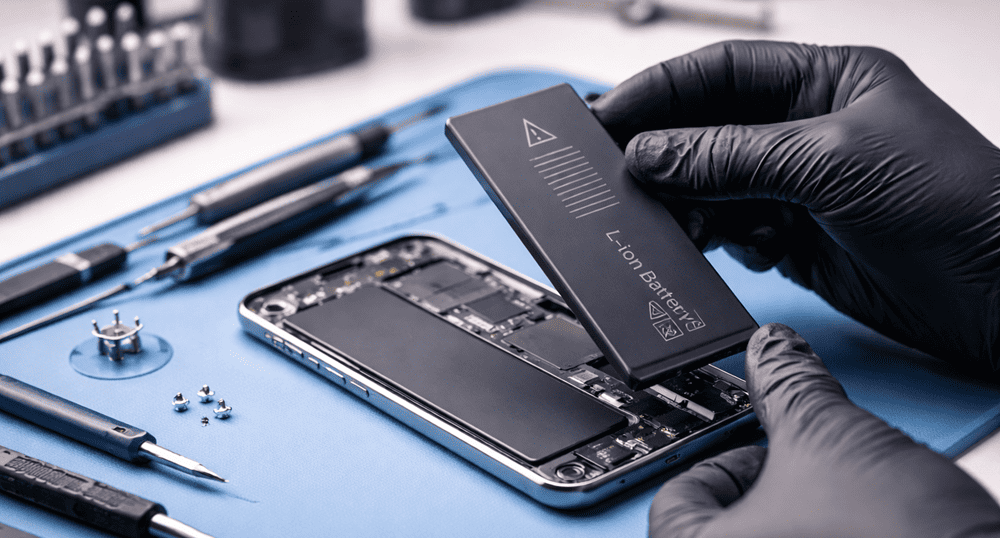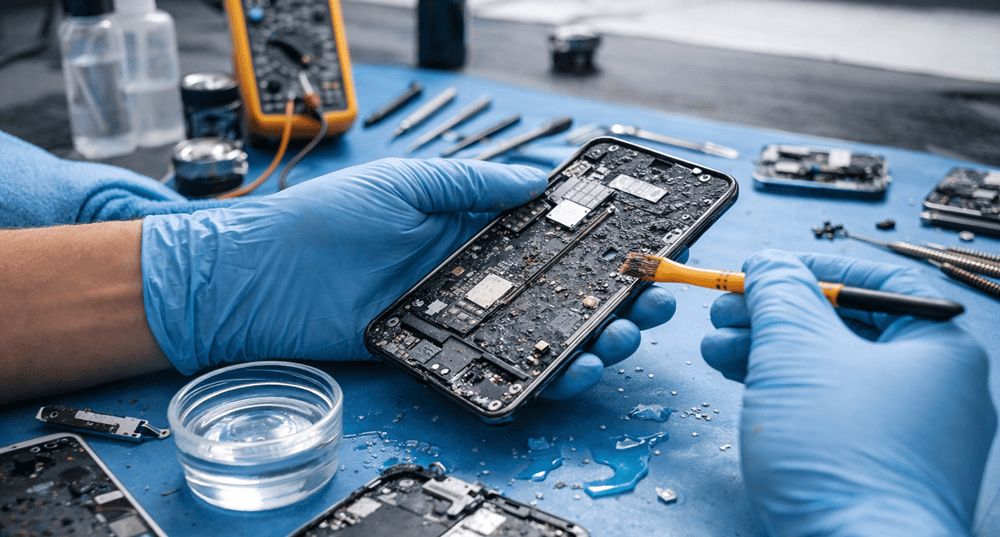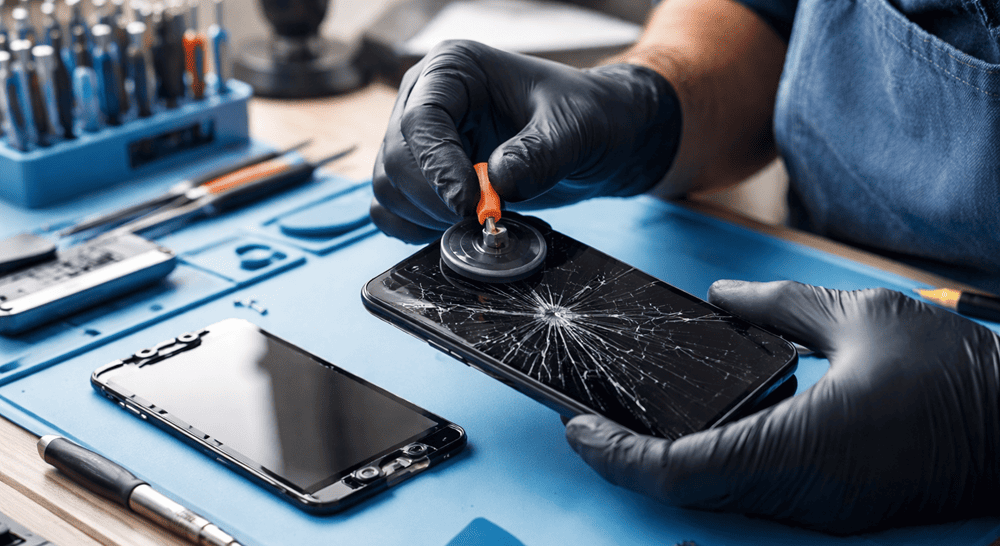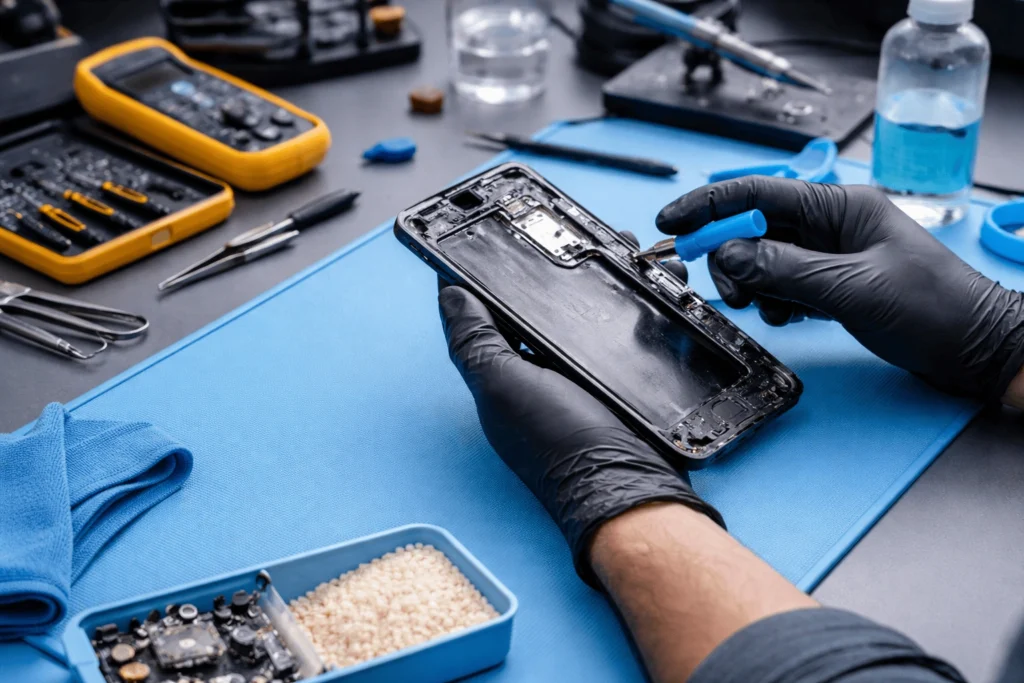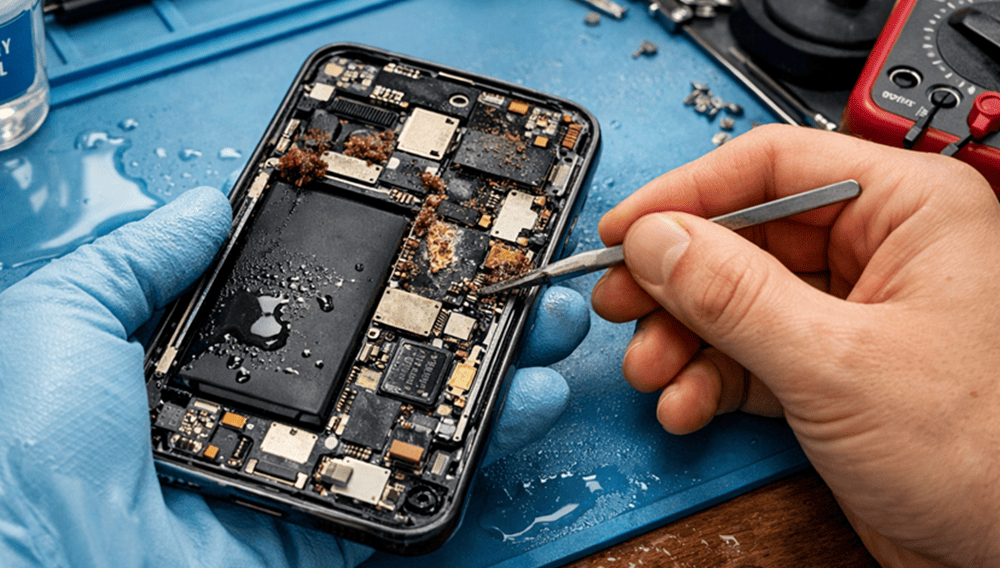

It’s a relief when you get your device repaired. But the real work begins when you leave the repair shop. A screen replacement, battery replacement, charging port repair, or water damage service — whatever service you have done on your phone proper care helps keep it safe, stable and most importantly reliable for longer. As a mobile repairer at Snapfix, I encounter some customers preoccupied with the repair itself but what they fail to realize is that adopting a few smart habits post service can prevent repeat damage.
Middleton Grange, Austral, Carnes Hill, Cecil Hills and Hoxton Park are busy suburbs where phones do a lot of the heavy lifting every day. They transit from cars to worksites to school runs, shopping centres and dusty pockets to kitchen benches. Therefore, it’s only logical that once your device is fixed it would be protected properly from day one.
Why Phone Care Matters After a Repair
A brand new phone can look like a dream, but some components still require rational management after being repaired. You’re better off not immediately applying pressure or dropping it, exposing it to heat, or having bad charging habits for something like a new-screen replacement battery or resealed back glass. In addition to this, if the parts are repaired and then used judiciously can extend both original and newly fitted components further.
In contrast, one of the reasons people end up back in the same situation is because they did not do aftercare. So some prevention saves money, time and stress. Get details on Mobile Repair in Middleton Grange.
What to Do Immediately After a Mobile Repair
The first 24 to 72 hours are the most crucial. With this in mind, it may be best to be extra careful with your device during this time.
1. Use a Strong Protective Case
One of the simplest yet effective ways to protect your phone post repair is having a premium case. If you just had your screen repaired or back glass replaced, a shock-absorbing case provides an extra layer of protection. Raised edges also keep the screen off of direct surfaces.
2. Apply a Tempered Glass Screen Protector
A great new screen needs the right protection. A glass screen protector prevents scratches, fingerprints and minor impact damage. So that reduces the likelihood of needing another repair too quickly.
3. Avoid Overheating
High temperature is the enemy of batteries, glues and internal components. So please don’t leave your phone on a sunny dashboard or plugged in under a pillow. If your device has had a battery replacement, this step is even more crucial.
4. Keep It Away from Water and Dust
If it looks sealed, your phone may not have the same level of factory-sealed water resistance after it’s repaired. So avoid pools, bathroom steam, kitchen splashes and dusty work spaces unless your device is well protected. Looking for a Smart Phone Camera Repair in Middleton Grange?
Best Charging Habits After a Phone Repair
Charging habits play a big role in phone health. Many users damage their phones again through rough charging routines rather than physical drops.
|
Charging Habit |
Recommended Practice |
Why It Helps |
|
Overnight charging |
Avoid frequent all-night charging |
Reduces heat build-up |
|
Cheap chargers |
Use quality compatible chargers |
Protects battery and charging port |
|
Using while charging |
Keep usage light |
Prevents excess heat |
|
Low battery drain |
Charge before 0% often |
Supports battery health |
|
Loose cable use |
Replace damaged cables |
Avoids charging port strain |
Signs You Should Not Ignore After Repair
After a repair, your phone should work smoothly. However, if you notice unusual issues, contact the repair technician early.
Watch for:
- Screen flickering
- Battery draining too fast
- Phone overheating
- Touch not responding properly
- Charging cable fitting loosely
- Camera fogging or blurry focus
- Speaker or microphone sounding weak
These signs do not always mean something serious, but checking them early can prevent bigger problems later. Get details on Smart Phone Charging Port Repair in Middleton Grange.
Simple Daily Habits That Protect Your Phone
Daily habits matter more than we think. Indeed, small adjustments often have the most significant impact.
Keep Your Phone Clean
Dust, lint and moisture build up around the charging port, the speaker grills and camera edges. So just clean your phone lightly with a microfibre cloth as opposed to sharp parts.
Do Not Put the Phone in a Tight Back Pocket
That is a leading factor in bent frames, cracked screens and pressure damage. Instead, store your phone in a more secure pocket or bag compartment.
Handle the Charging Port Gently
For a charging port repair, insert and remove the cable carefully. Because they pull, it can corrupt the port again if you hold them at angles or force the cable.
Use a Phone Grip if Needed
A grip ring or strap can limit accidental drops, which is key for larger phones. That helps a lot if you access apps on your phone one-handed while walking or driving short local routes. Looking for a Smart Phone Water Damage Repair in Middleton Grange?
Phone Protection Accessories Worth Buying
Not every accessory is useful. Still, some items are worth the money after a repair.
|
Accessory |
Best For |
Benefit |
|
Shockproof case |
Drop protection |
Reduces impact damage |
|
Tempered glass |
Screen safety |
Prevents scratches and cracks |
|
Camera lens protector |
Camera module safety |
Helps protect rear lens area |
|
Quality charging cable |
Charging reliability |
Lowers wear on port |
|
Waterproof pouch |
Travel and outdoor use |
Adds extra moisture protection |
When to Return to a Repair Shop
Sometimes, folks wait too long when something doesn’t feel right. It is wiser to return quickly if your repaired phone misbehaves. A reliable local service, such as Snapfix Mobile Repairs, will be able to check the problem and advise if it is normal settling, either software related or something more.
The aim is not just to solve a problem but to preserve the way your phone functioning for months to come.
Related Articles:
» Huawei Service Centre in Middleton Grange
» OPPO Service Centre in Middleton Grange
» Xiaomi Service Centre in Middleton Grange
» Motorola Service Centre in Middleton Grange
» OnePlus Service Centre in Middleton Grange
Keep Your Phone Running Smoothly After Repair
Avoiding damage after mobile repair service is not a tricky thing to do but it requires some consistency. A good case, improved charging practices, protection from moisture and gentle daily handling can go a long way. But more importantly, these simple measures ensure that you get better value from your repair.
To us at Snapfix Mobile Repairs, the words good repair work means nothing if it does not last. That is why aftercare is as important to the repair as the damage itself. And treat your phone right after service, and it will often return the favour.
FAQs: How to Protect Your Phone After a Mobile Repair Service
You can generally use it immediately, but you need to treat it with care for the first 24 to 72 hours.
Yes, a protective case will reduce the risk of drops, pressure damage and corner impact.
Sure, tempered glass gives sturdiness to fight against scratches and light cracking.
Charging overnight, usually not a concern but it may run the battery hotter if you charge at that time consistently.
Not always. Repair may have impacted water resistance, so use some caution.
Whereas use a quality cable, don’t force the connector in place and keep dust away from the port.
A mild warmth may be normal during setup or charging, but continuous overheating should be examined.
It is better not to. Low-quality chargers can damage the battery, port, and internal circuitry.
Use a dry or lightly damp microfibre cloth; avoid sharp implements and excess liquid.
Stop pressing it and return to the repair shop for inspection as soon as possible.
So, use a case, screen protector, don’t place it in heat, charge properly and keep your phone clean.
Turn back immediately if you see any flickering, swelling, loose pieces, charging issues or snappy battery drainage.