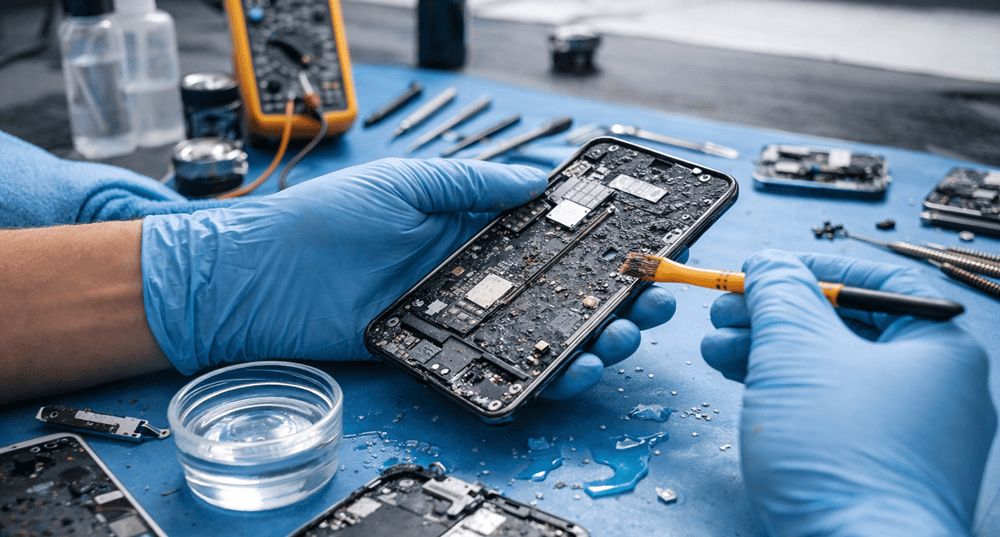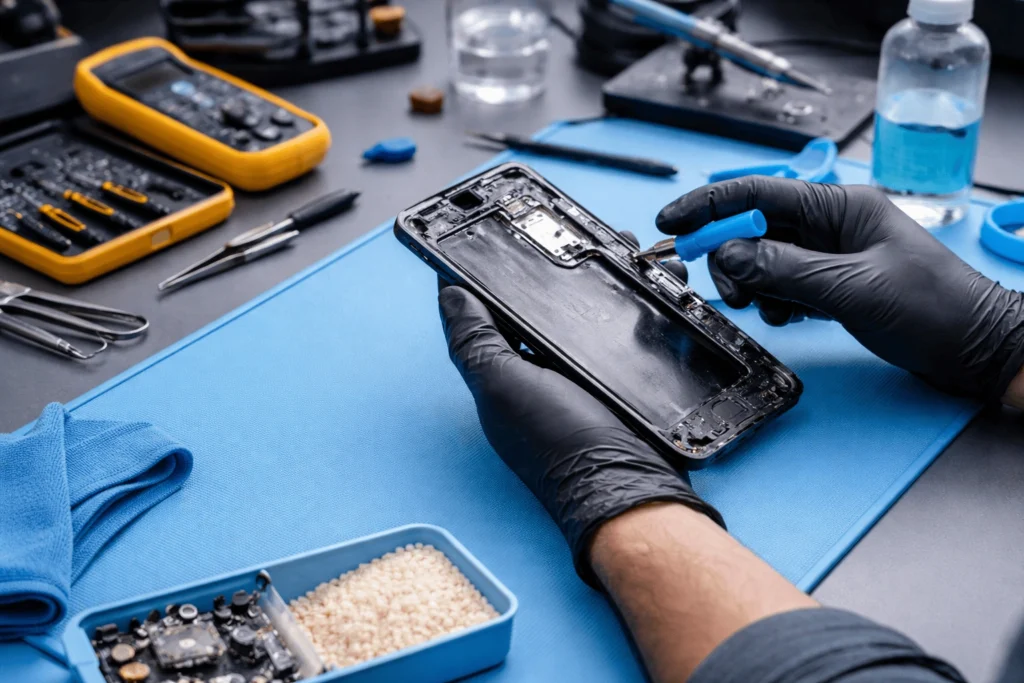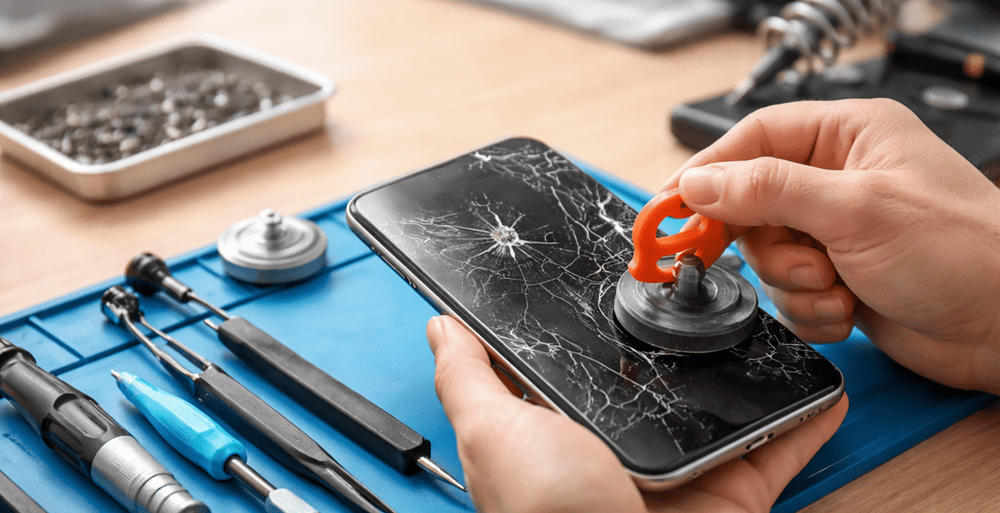
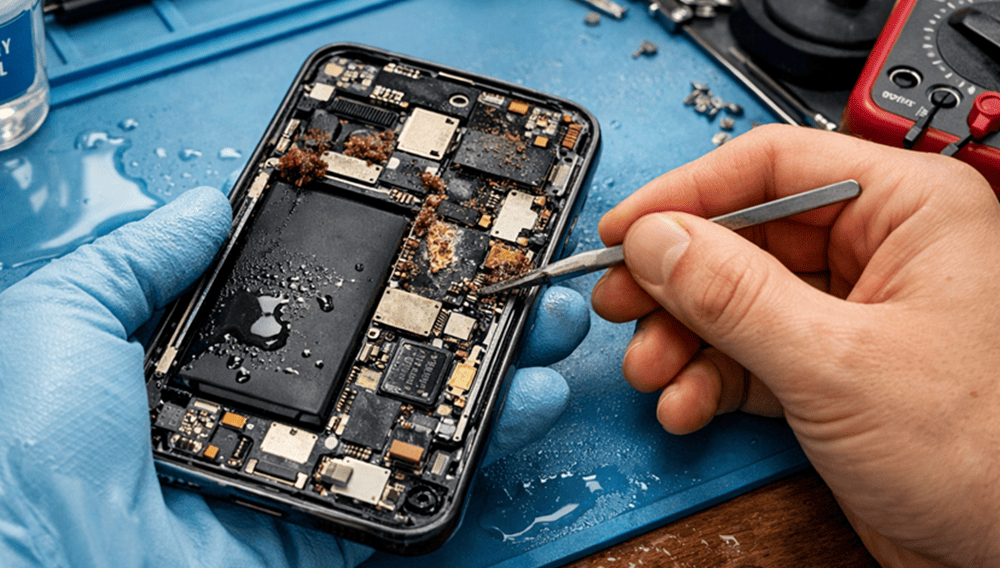
Waterlogged smartphones can die within seconds, but a misguided rescue step might be worse. And that’s why speed — and safety — matters so much.” At Snapfix Mobile Repairs we are fixing phones that would have been saved much sooner if a simple step had be taken in the right direction by the owner of the phone.
Whether your device fell into a sink, was drenched by rain or splashed in the pool, those first few minutes are critical. Quick and appropriate response can help minimize internal corrosion damage to protect your LCD screen and maximize phone water damage repair success.
Why water damage is dangerous for smartphones
Water itself isn’t always the only problem. At times, the liquid consists of minerals, dirt and soap or sugar or salt. These substances can linger inside the device and begin to corrode the charging port, battery, display, speakers and motherboard. That means even a phone that powers up after getting wet might stop working later.
Also, modern smartphones are compact. A little bit of moisture seeps into the device, and it gets to tiny internal components almost immediately. Because of this, ways of phone repair to the water damage should focus on turning off power and stopping further damage. Get details on Mobile Repair in Middleton Grange.
First things to do after your phone gets wet
If your device comes in contact with water, immediately do the following:
1. Turn the phone off
If the phone is still on, switch it off right now. Test not app, camera and sound. I would add that moisture and electricity can short internal circuits.
2. Remove accessories
Disconnect everything including case, charger, plugged wires, SIM tray and memory card. That also means that any water trapped can better escape.
3. Dry the outside gently
Also, only use a fresh microfiber cloth or soft towel. Pat the phone dry. Don’t scrub too aggressively, because this pushes from the surface moisture deeper into cracks.
4. Keep it upright in a dry place
And put the phone in a dry, ventilated spot. Ditch the heater and place them in a cool room with airflow. Looking for a Smart Phone Water Damage Repair in Middleton Grange?
What you should never do
Many people panic and try random fixes from the internet. Sadly, some of those methods create more damage.
|
Unsafe Action |
Why It Is Risky |
Better Option |
|
Turning the phone on repeatedly |
Can short the board |
Keep it powered off |
|
Using a hair dryer |
Heat can damage seals and components |
Let it air dry naturally |
|
Charging the phone |
Moisture in the port may cause a short |
Wait for inspection first |
|
Shaking the phone hard |
Spreads liquid deeper inside |
Hold it still and blot dry |
|
Putting it in rice only |
Rice is slow and often ineffective |
Use airflow and professional cleaning |
Is rice good for a wet phone?
Although a frequent recommendation is rice, it’s not the optimal remedy. Over time, it can also suck up a bit of surface moisture but doesn’t remove residue from inside the phone. Rice dust can even make its way into the charging port or speaker holes in some cases.
So yes, many people still try it, but professional technicians do not rely on it. A proper wet phone repair process involves internal inspection, safe drying, residue cleaning, and part testing. Get details on Smart Phone Back Glass Replacement in Middleton Grange.
Signs your smartphone has water damage
Sometimes damage appears immediately. Other times, it shows up after a day or two. Watch for these symptoms:
- Screen flickering
- Speaker sounds muffled
- Charging problems
- Battery draining fast
- Touchscreen not responding
- Camera fogging
- Phone overheating
- Random restart or shutdown
If you notice any of these issues, the phone likely needs a professional liquid damage phone repair service. Looking for a Smart Phone Charging Port Repair in Middleton Grange?
Safe drying tips that actually help
Although home drying cannot repair serious internal damage, it can reduce the risk before you visit a technician.
Safe steps:
- Keep the device switched off for at least 24 to 48 hours
- Place it near a fan for gentle airflow
- Use silica gel packets if available
- Remove any moisture around speaker grills and ports carefully
- Keep it away from direct sunlight
Not-safe steps:
- Oven drying
- Hair dryer use
- Charging “to check if it works”
- Opening the phone without proper tools
When to take it to a repair shop
A smartphone water damage repair should be done quickly if:
- The phone was submerged fully
- The liquid was salty, sugary, or dirty
- The screen went black
- The phone does not charge
- The speaker or mic sounds distorted
- The device becomes hot after drying
At Snapfix Mobile Repairs, trained technicians can inspect the internal parts, clean corrosion, test the charging board, assess the battery, and check whether screen or motherboard repair is needed. Sometimes the phone can be saved fully. Sometimes only a few parts need replacement. Still, early action gives you a much better chance. Get details on Smart Phone Screen Replacement in Middleton Grange.
Water damage repair vs waiting too long
|
Situation |
Likely Result |
|
Phone powered off immediately |
Better chance of recovery |
|
Phone charged while wet |
Higher risk of short circuit |
|
Quick professional cleaning |
Lower chance of corrosion spread |
|
Left untreated for days |
Greater risk of board damage |
How to protect your phone in future
Prevention is always cheaper than repair. A few simple habits help a lot:
- Use a quality waterproof or shockproof case
- Keep phones away from kitchen and bathroom edges
- Never place your phone near pools or wet countertops
- Store it safely during heavy rain
- Back up your data often
A little care now can save your screen, battery, and precious files later.
Related Articles:
» Xiaomi Service Centre in Middleton Grange
» ASUS Service Centre in Middleton Grange
» Sony Service Centre in Middleton Grange
» Nokia Service Centre in Middleton Grange
» OPPO Service Centre in Middleton Grange
Safely Reviving Your Water-Damaged Smartphone
There’s nothing more stressful than a waterlogged smartphone. The safest, simplest answer remains: Turn it off, dry the outside, keep it away from heat and charging and have it properly checked out. Reality is no better than myth to trust them with steps to repair. In most cases, the sooner you go for it, the better.
Snapfix Mobile Repairs can assess the damage and recommend a safe option for phone repair if your phone encounters any splash, or spill, or complete drop in water.
FAQs on “Fix a Water-Damaged Smartphone Safely”
Yes, if you act quickly and do not turn your phone on while wet, it’s generally repairable.
Rice is not the best fix. It will absorb some of the moisture but it does not clear any internal residue or render corrosion.
Ideally, you can keep the phone off for another 24 to 48 hours, then you may still have to go through a repair.
No. Plug it into a charger, and it will short-circuit the charging port or internal board.
Power down (turn it off), disconnect accessories, and dry the exterior as much as you can.
No. Heat can warp seals, battery components and other delicate internal parts.
These problems range from screen flickering to non-working speakers to charging issues and overheating and random shutdowns.
Yes, there is corrosion that can build up over time, so it’s possible they could have problems hours or days later.
Salt water is worse because it leaves a conductive residue and promotes corrosion.
Yes: A damaged battery can swell, overheat or fail. A technician should verify it.
Not usually. Not having the tools and internal parts risk damaging the screen, seals or even the internal parts.
Bring it to a reliable repair service like Snapfix Mobile Repairs. Proper inspection and cleaning will be the key solution here.